
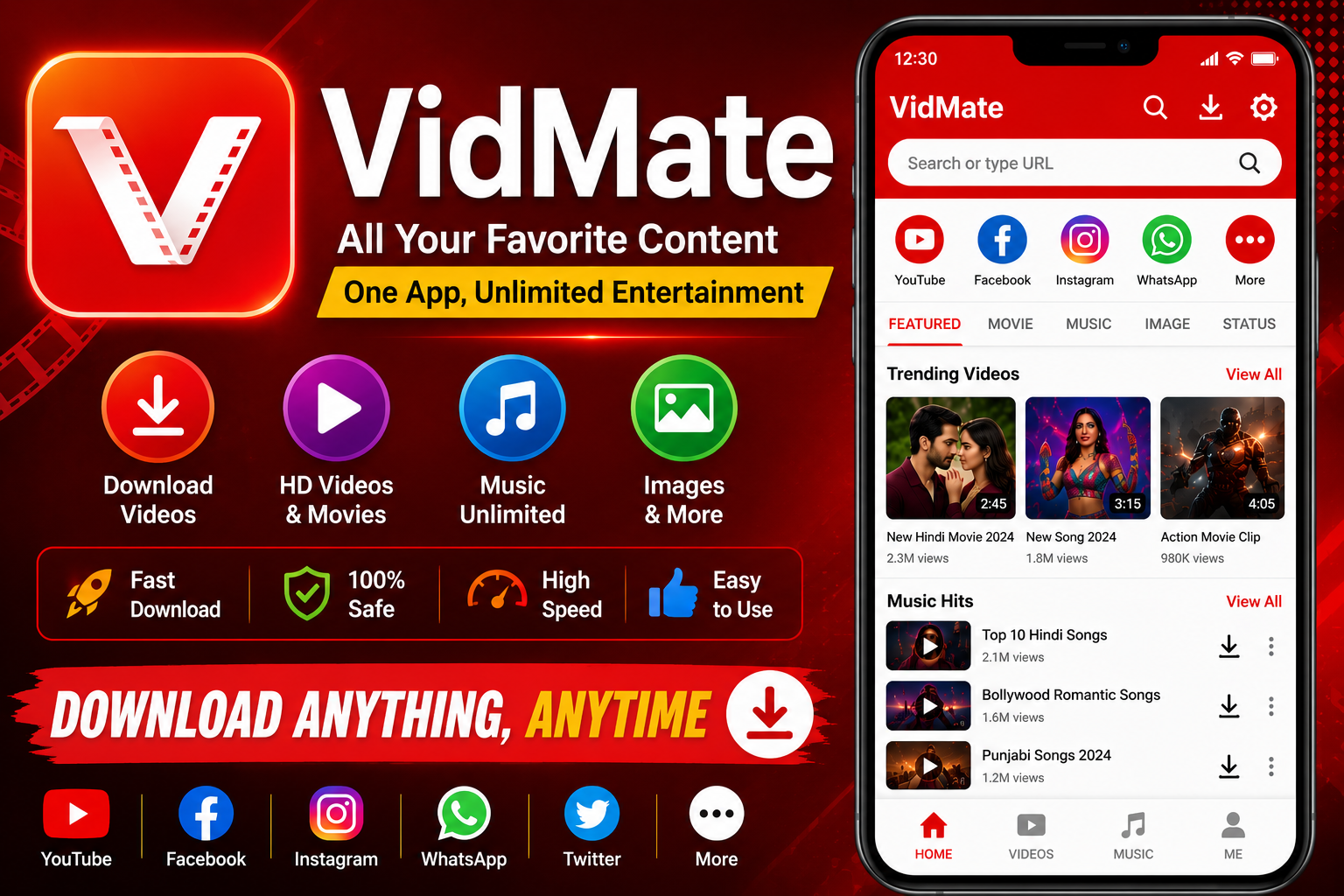
If you own an iPhone and you keep hearing about VidMate from your Android friends, you’ve probably typed one question into Google: “Is VidMate available for iPhone?” You’re not alone. Thousands of iOS users search for this every month, hoping for a simple yes.
The short answer isn’t what most people want to hear. But don’t worry — this guide breaks down exactly why VidMate doesn’t work on iPhone, and what you can use instead.
Is VidMate Available for iPhone or iOS Devices?
No, VidMate is not available for iPhone or iOS devices. There is no official VidMate app on the Apple App Store, and there never has been.
VidMate was built specifically for Android. It relies on Android’s open system, which allows apps to install from outside the App Store. iOS simply doesn’t work that way.
Any website claiming to offer a “VidMate iOS version” or a “VidMate IPA file” is misleading you. These downloads are usually fake, broken, or unsafe.
Why Isn’t VidMate on the App Store?
Apple runs one of the strictest app review systems in the world. VidMate’s core function — downloading videos from platforms like YouTube, Facebook, and Instagram — directly conflicts with several Apple rules.
Apple’s Strict App Store Guidelines
Apple’s App Store Review Guidelines don’t allow apps that facilitate the download of media from third-party platforms without permission. This single rule blocks VidMate and dozens of similar apps from ever getting approved.
The “No Unauthorized Downloads” Rule
Most platforms VidMate pulls videos from — YouTube included — have terms of service that prohibit downloading content outside their own apps. Apple enforces this indirectly by rejecting apps built around that exact behavior.
DRM and Copyright Protections
Modern streaming platforms increasingly use encrypted video streams, protected by technologies like Apple’s FairPlay DRM. These streams are locked so only the official app can decode and play them, which makes third-party downloading far harder to build — and against the rules to distribute.
Can You Install VidMate on iPhone Through Other Methods?
Some people try to get around the App Store using sideloading, jailbreaking, or “modded” IPA files shared on random websites. Technically, these methods sometimes work. Practically, they come with real downsides.
Sideloading and Jailbreaking Risks
Sideloading requires trusting an unknown developer certificate, which Apple can revoke at any time — breaking the app without warning. Jailbreaking goes further, removing built-in security protections and voiding your warranty.
Why These Methods Aren’t Recommended
Unofficial APK-to-IPA converters and third-party “VidMate for iOS” files are common sources of malware, adware, and data-harvesting scripts. Since there’s no App Store review process protecting you, you’re trusting the file completely on your own.
For most users, the small convenience isn’t worth the security trade-off.
Best Alternatives to VidMate for iPhone Users in 2026
The good news: iPhone users have several safer options for saving and enjoying video content offline.
Documents by Readdle — A file manager with a built-in browser, widely used to save videos directly to the Files app. It’s free, App Store-approved, and doesn’t require sideloading.
VD Browser — Works as both a browser and a download manager, letting you save videos for offline viewing from a range of websites.
4K Video Downloader+ — Popular for handling higher-resolution downloads, with a simple interface built for iOS.
YouTube Premium’s Offline Downloads — The safest and fully legal way to save YouTube videos for offline playback, directly inside the official app.
Each of these tools respects Apple’s ecosystem, so they won’t disappear after an iOS update the way sideloaded apps often do.
How to Safely Download Videos on iPhone (Step-by-Step)
- Choose an App Store-approved downloader like Documents by Readdle or VD Browser.
- Open the app and use its built-in browser to visit the video page.
- Look for the in-app download or save option — never tap suspicious pop-up “Download” buttons.
- Save the file to the Files app or your Camera Roll, depending on the app.
- Only download content you own, have permission to use, or that’s clearly licensed for offline saving.
This keeps your device secure while still giving you offline access to the videos you need.
Is It Legal to Download Videos on iPhone?
This depends entirely on the content and the platform’s terms of service. Downloading a video you created yourself, or one explicitly marked as downloadable, is generally fine.
Downloading copyrighted content without permission — regardless of the app you use — can violate a platform’s terms of service and, in some cases, copyright law. Always check before you save.
Final Verdict: Should iPhone Users Wait for VidMate?
Given Apple’s policies around DRM, copyright, and third-party downloads, an official VidMate app for iOS is extremely unlikely to ever launch. Apple’s review guidelines haven’t loosened on this point, and there’s no indication they will.
Rather than waiting, iPhone users are better served by App Store-approved alternatives that offer similar functionality without the security risks.
Frequently Asked Questions (FAQs)
1. Is VidMate available on the Apple App Store? No. VidMate has never been listed on the App Store because it violates Apple’s guidelines on third-party media downloads.
2. Can I download a VidMate IPA file for iPhone? You can find files claiming to be VidMate IPAs online, but these are unofficial, often unsafe, and not supported by the real VidMate developers.
3. Is there a VidMate web version for iPhone? There’s no official VidMate website version built for iOS. Any site suggesting otherwise should be treated with caution.
4. Why does Apple block apps like VidMate? Apple’s guidelines prohibit apps that enable unauthorized downloading of copyrighted or DRM-protected content from other platforms.
5. Can jailbreaking my iPhone let me install VidMate? Jailbreaking can technically allow sideloaded apps, but it removes key security protections and isn’t recommended for most users.
6. What’s the safest video downloader for iPhone? App Store-approved tools like Documents by Readdle and VD Browser are among the safest choices currently available.
7. Does YouTube Premium replace VidMate on iPhone? For YouTube content specifically, yes — it offers legal offline downloads directly through the official app.
8. Will VidMate ever launch officially on iOS? It’s unlikely, since VidMate’s core function directly conflicts with Apple’s long-standing App Store policies.
9. Are third-party VidMate iOS apps safe to use? Generally, no. Without App Store review, these files carry a higher risk of malware or data misuse.
10. Can I transfer VidMate downloads from Android to iPhone? Yes. You can download videos on an Android device using VidMate, then transfer the files to your iPhone via cloud storage or a cable connection.
Conclusion
VidMate remains an Android-only app, and no legitimate iOS version exists. Any file claiming otherwise is best avoided. Thankfully, tools like Documents by Readdle, VD Browser, and YouTube Premium’s offline mode give iPhone users safe, reliable ways to save and enjoy videos offline in 2026.